PhotoPad Free Photo Editor

Free Download
Photo Editing Features
- Crop, rotate, resize and flip pictures
- Touch up photos to remove blemishes and fix color
- Improve photo quality and focus with blur, sharpening and noise reduction tools
- Adjust the color balance, exposure, levels, brightness, contrast and more
- Merge multiple exposures to create stunning HDR photographs
- Load JPG, GIF, PNG, TIFF, BMP, and other popular image formats
- Change the aspect ratio of an image without distorting key features using the liquid resize effect
- Easily undo, re-order and edit existing effects on the layers list using non-destructive editing
- Toggle layer visibility to review an edit
- Take and edit screenshots of your desktop
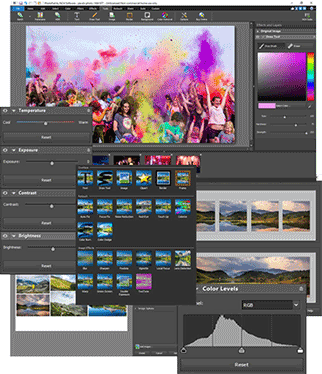
Image Editing Features
- Apply photo effects, including oil paint, cartoon, vignette, sepia and many more
- Create collages and photo mosaics with your photographs
- Use preset filters to easily enhance your photos
- Convert your photo to cross stitch patterns, paint by numbers or add an oil painting effect
- Add text and captions to photos to post online, add to photo books or to create a new viral meme
- Insert clipart from the included clipart library
- Add frames and borders around your photographs
- Upload edited pictures directly to Facebook or FlickrAdjust the opacity of a layer to finesse an edit
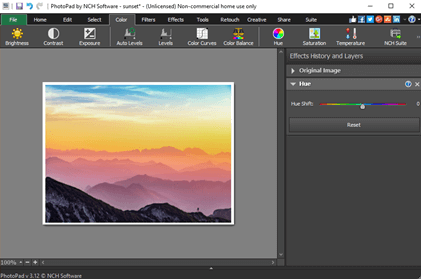
Brightness and Contrast
Sometimes photos turn out either too bright or too dark. The Brightness and Contrast tools let you make simple adjustments to the tonal range of an image.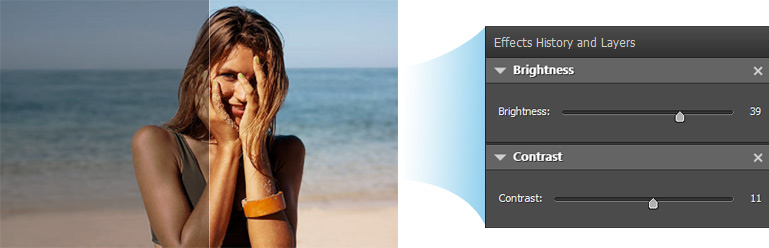
Resize and Crop
Use the Crop tool to make a rectangular photo square or to focus on one portion of your photograph. It's also easy to resize your photo for the web or for print using the resize tool.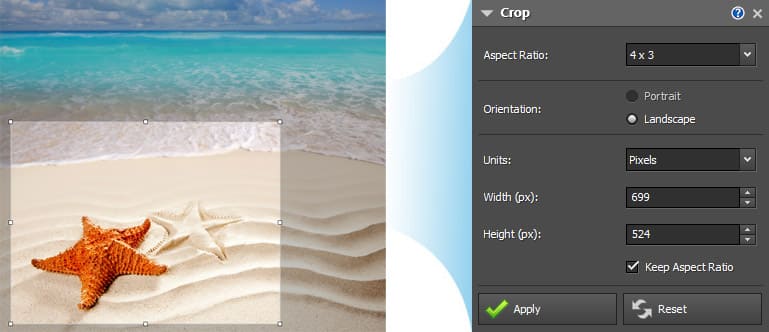
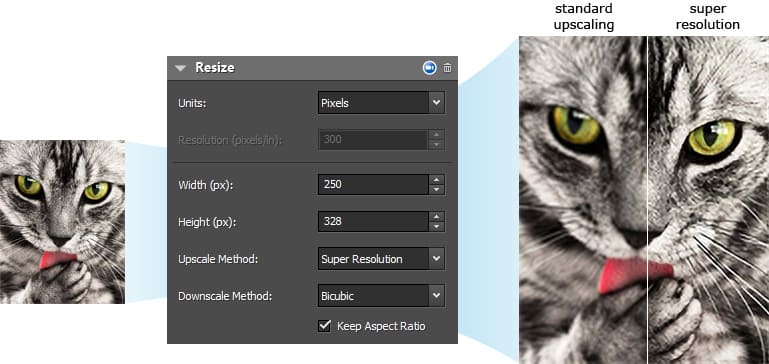
Upscaling with AI & Machine Learning
Straighten
Fix tilted horizon or a crooked photo with the Straighten tool.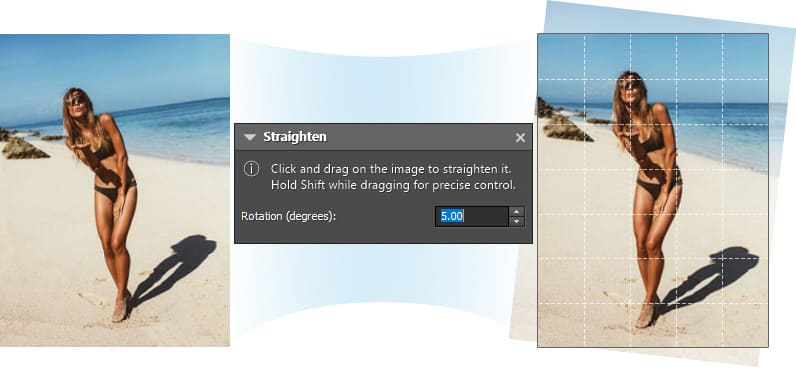
Regional Effects
Regional Effects is a powerful tool which gives you the ability to apply effects and filters to selected portions of your photo. Select a part of your image and apply an effect or use the paint brush to paint an effect onto part of your picture.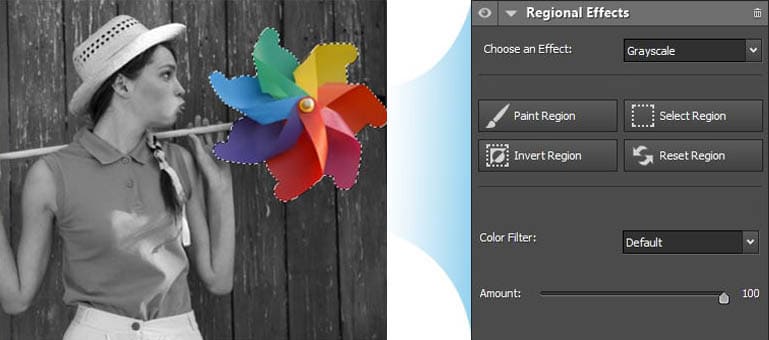
HDR Images
Easily combine several differently exposed photographs into one HDR image.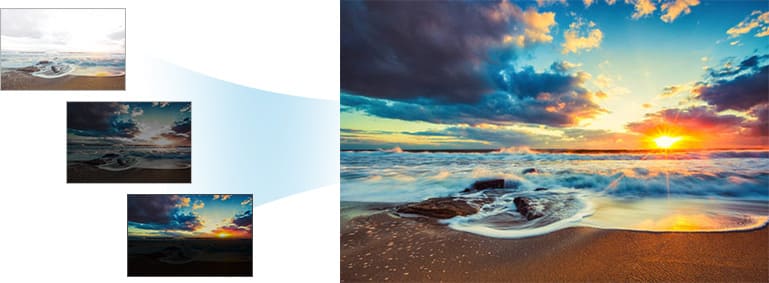
Background Replacement
Use Selection and Background tools to replace the background in your photos with transparency, color or another image.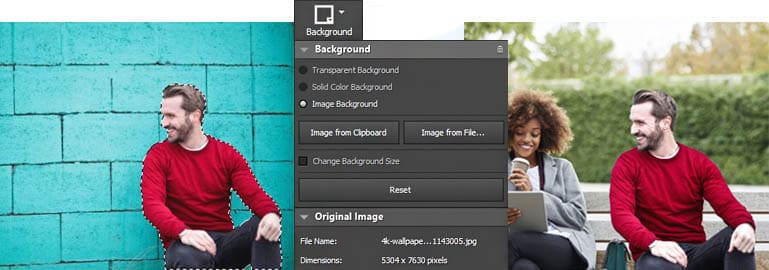
Top reasons to try PhotoPad Image Editor
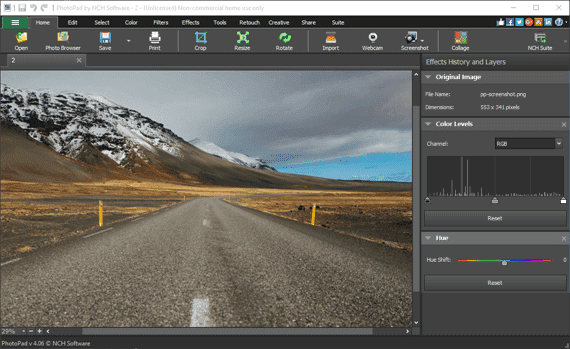
1Powerful Editing Tools
Choose from our extensive selection of powerful editing tools.
2Retouching tools
Instantly remove red-eyes, over-exposure and other common issues.
3Millions of Effect Combinations
Pick and choose from our vast array of photo effects and filters.
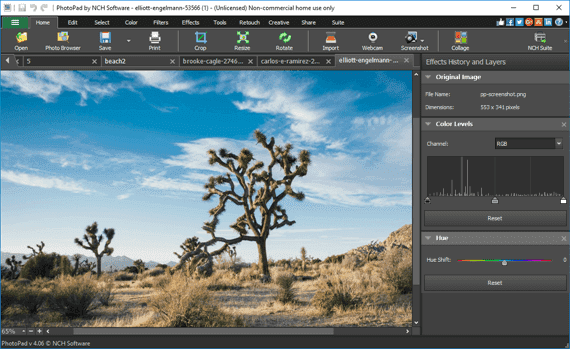 4Edit RAW Images
PhotoPad supports editing photos directly from your DSLR Camera. View All Supported Formats
5Fix your photos instantly
Use our auto-levels tool to automatically fix lighting issues.
From NCH Software:
Crop, rotate and flip photos and images. Load gif, jpg, psd, png, bmp picture formats and more. Edit hue, saturation, brightness and contrast. Apply effects such as sepia tones, greyscale, red eye reduction and more. Preview effects before applying. Easy deletion of each applied effect without removing other applied effects. PhotoPad can be added to your right click menu for easy access. Thanks For Vist My Wibsite
PhotoPad image editing software is a free photo editor for Windows. It allows you to edit and apply effects to photos and other images. When editing photos you can crop, rotate and resize and, if required, add effects like sepia tones, red eye reduction as well as the ability to change the hue, saturation and brightness levels.

 Posts
Posts


1 Comments
Nice photo pad
ReplyDelete